
Dashboards are present in almost every CRM. Nevertheless, they are hardly used as a management tool in many companies. The problem is rarely technical; it is usually the selection of the wrong metrics: too many numbers, too little relevance, and no clear connection to daily work. Fancy overviews that appear “modern” but contribute little to improving decisions are the result. Here is the difference between a dashboard that only informs and one that truly steers. In this article, we explain how to design Sugar dashboards that enable Sales, Service, and Management to make faster, clearer, and data-driven decisions.
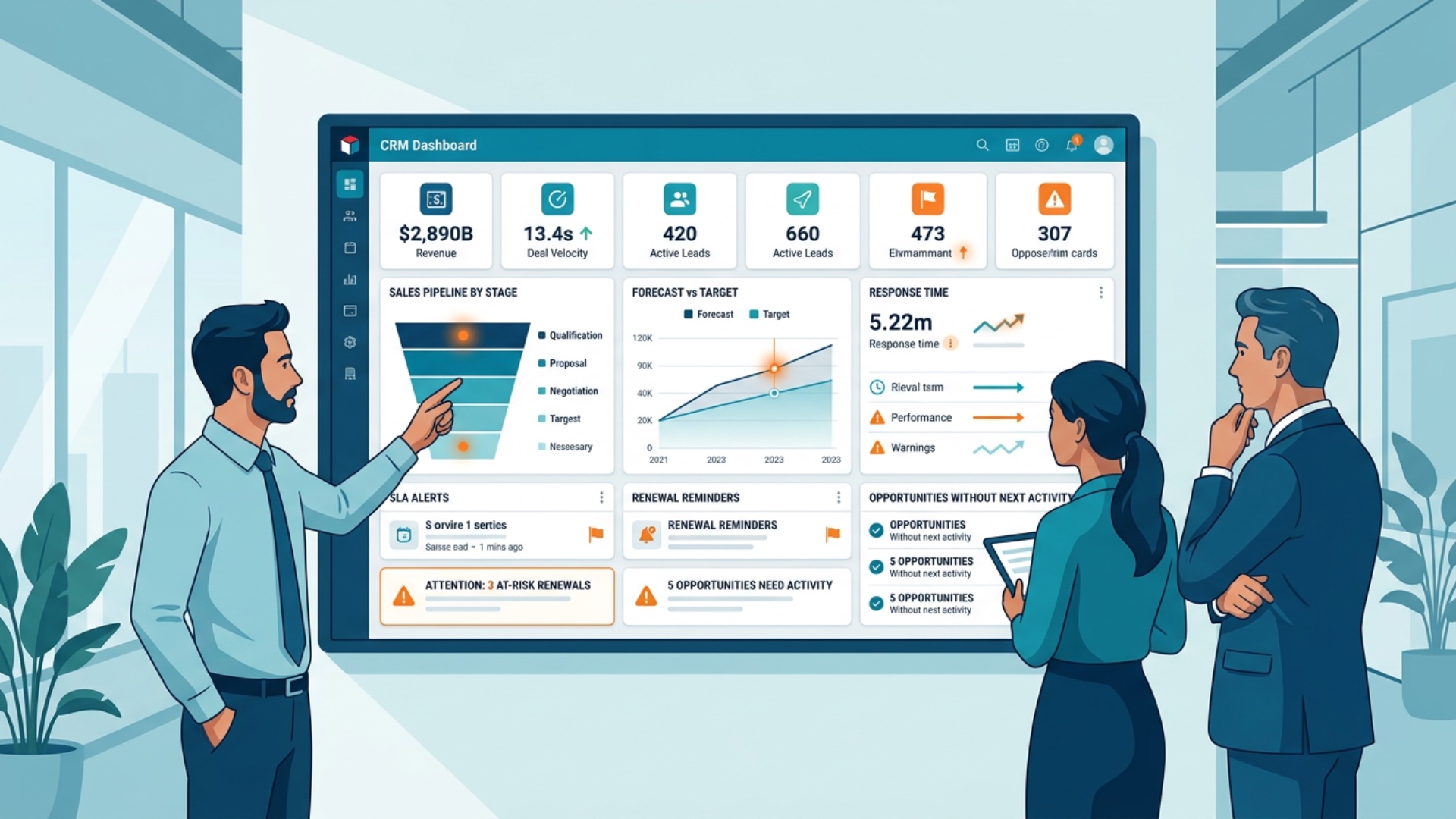
Why CRM dashboards often disappoint in practice
Many dashboards fail right at the start because they are developed from a technical perspective. Then all available reports are simply listed side by side without prioritization, without context, and without a clear target group. It’s too much for Sales, too granular for executives, and often not relevant enough for Service. Furthermore, metrics are often viewed in isolation: pipeline without age, activities without reference to results, tickets without SLA context. An abundance of data is created, but no management impact. A good dashboard reduces complexity – it should not be complicated itself.
Common reasons for insufficient dashboards are:
- too many widgets without clear prioritization
- no separation by roles and responsibilities
- missing definition of KPIs and thresholds
- outdated or incomplete data base
- no reference to concrete measures in daily routine
Requirements for a good dashboard:
A dashboard should be thought of like a cockpit, not like an archive. Within seconds, it must become visible where action is required and which topics are running stably. This means: fewer metrics, but sharper statements. The information needs of a sales manager differ from those of a field sales representative or a service team lead. For this reason, it is important to always plan dashboards on a role-based basis. And they must correspond to the reality of the organization – a medium-sized company does not need a KPI construct like a corporation.
A good dashboard normally fulfills four tasks:
- it creates transparency about the current status
- it makes deviations and risks visible
- it supports prioritization and measures
- it provides a reliable basis for meetings and decisions
1) Create role-based dashboards – not module-based
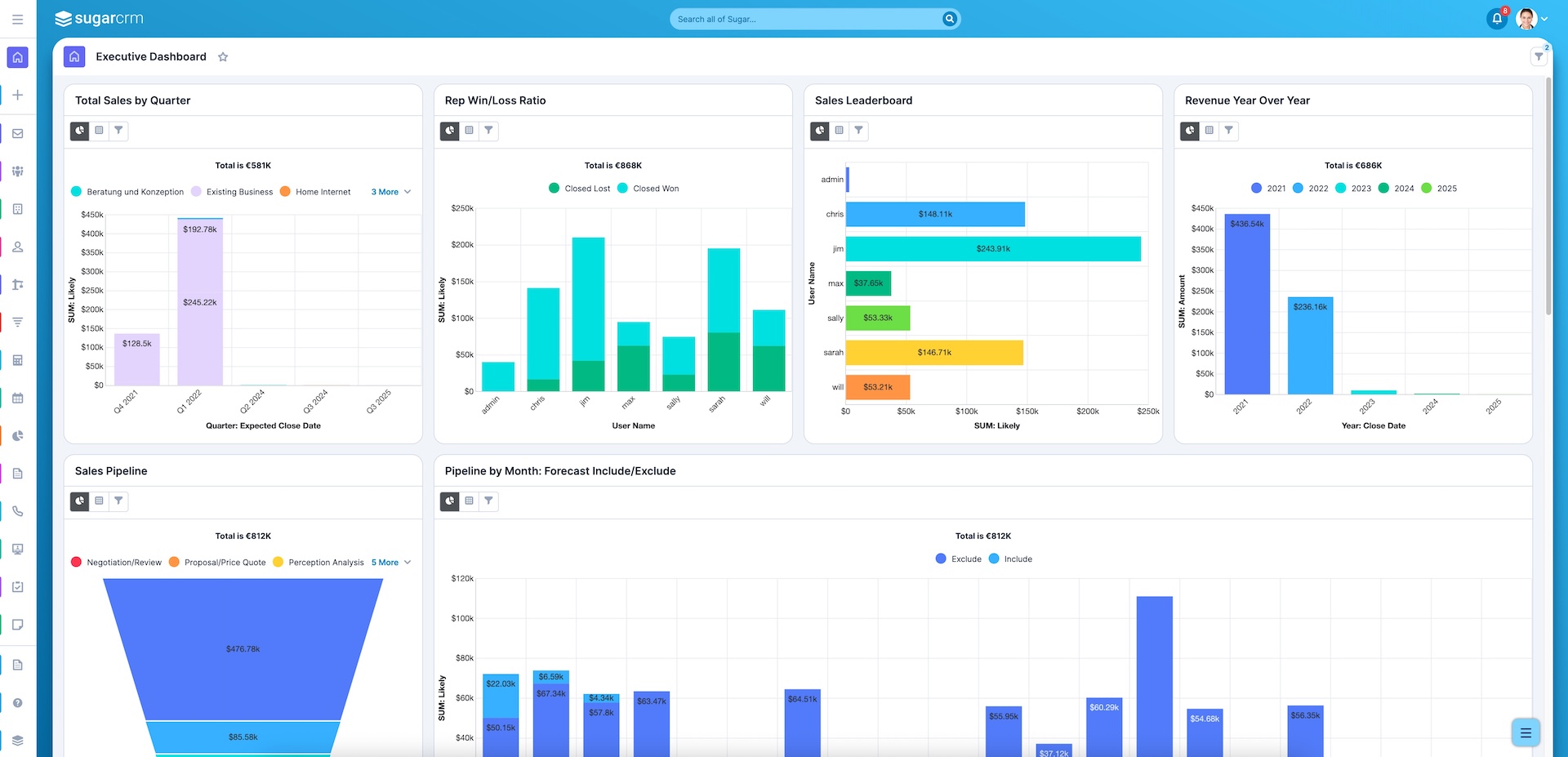
A common mistake is to structure dashboards according to CRM modules. There are Opportunities dashboards, Cases dashboards, and Activities dashboards – yet nobody has an overview of the overall context. It is better to structure dashboards based on real work roles. A sales employee wants to know which deals require attention. A sales manager wants to look at the forecast, pipeline risks, and team performance. Service needs SLAs, open cases, and escalations. Completely different dashboards can therefore arise from the same database, and that is exactly what makes Sugar so powerful.
- Operational Sales: personal pipeline, next activities, open quotes
- Sales Management: forecast, stage distribution, stagnation, win rate
- Service: open cases, priorities, SLA violations, backlog
- Management: sales trend, forecast security, customer risks, team performance
- Key Account/Customer Success: renewals, health score, open topics, expansion potential
2) Select metrics that trigger decisions
The most important question for any KPI is not “Can this be measured?”, but “What will we do differently if the number changes?” This is the difference between reporting and steering. A KPI that has no consequence is just decorative accessory. For this reason, only metrics with a clear action logic should appear on a dashboard. An increase in quote lead time requires a reaction. Ticket density must be visible and actionable for a customer if it increases. Only when every number has a possible action do dashboards become truly valuable.
Metrics that have real management value are, for example:
- Response time for inbound leads
- open opportunities without a next appointment
- quote age and number of quotes per phase
- SLA violations and escalations
- renewal due dates and risk indicators
3) Visualization: Fewer charts, more clarity
A dashboard can look calm. If too many colors, chart types, and movements appear simultaneously, the user loses focus. Asking what is critical, what is stable, and what is positive is the top priority for good dashboards. Often a few clearly readable elements are sufficient for this. In many cases, traffic light logics, trend developments, and top lists are more helpful than overloaded pie charts. Charts should primarily be designed so that they can be interpreted quickly in meetings – without long explanations.
In Sugar, they have proven particularly effective when displayed visually:
- KPI tiles for central target values
- Bar or column charts for comparisons
- Trend lines for developments over time
- Lists/tables for concrete priorities
- Traffic light or status indicators for risks and SLA topics
4) Priority on data quality – otherwise the dashboard becomes misleading
The quality of a dashboard always depends on the data it supports. The dashboard shows an illusion rather than reality if opportunities are not maintained, activities are not logged, or service cases are incorrectly categorized. Therefore, working on dashboards always includes working on data quality. It is unpleasant but unavoidable. The big advantage: with good dashboards, bad data becomes visible, which long-term increases discipline in the system. The willingness for clean maintenance often rises when teams recognize that dashboards influence real decisions.
Before starting to build the dashboard, these fundamentals should be clarified:
- mandatory fields per process step
- clear definitions for stages, status, and priorities
- unambiguous responsibilities
- regular data maintenance reviews
- as little manual special logic outside the CRM as possible
5) Phased introduction of dashboards in Sugar
Numerous companies want to create the “ideal dashboard” immediately. In practice, this is rarely sensible. A phased introduction with a small, selected core set of metrics is better. This way, teams learn faster what is actually used and what only sounds “interesting” in theory. Phase 1 deals with transparency, Phase 2 with steering, and Phase 3 with refinement and automation. Resistance is minimized by this approach, resulting in faster acceptance.
A pragmatic approach to introduction often looks like this:
- Phase 1: 5–7 core KPIs per role, simple visualization
- Phase 2: addition of bottleneck and risk indicators
- Phase 3: drilldowns, filters, workflows, and meeting routines
- Phase 4: continuous optimization based on user feedback
Statistics Block: Where dashboards create the greatest leverage in practice (example values)
| Leverage through CRM Dashboards | Typical effect after 8–12 weeks |
|---|---|
| Faster meeting preparation | -30 to -50 % |
| Better prioritization of open deals | +10 to +20 % focus on active opportunities |
| Higher transparency about bottlenecks | Significantly fewer "surprises" in the forecast |
| Fewer manual evaluations | -20 to -40 % reporting effort |
Practical Example: Agile introduction of dashboards with visible effect
A medium-sized IT service provider had many reports in Sugar, but hardly any utilized dashboards. Sales and Management worked with side-by-side Excel evaluations because they did not trust the CRM views. We realized the construction in three stages. In Phase 1, personal sales dashboards with the pipeline, open quotes, and next activities were implemented. In Phase 2, management dashboards with forecast, stagnation, and win rate were introduced. In Phase 3, service and key account dashboards were added. After just a few weeks, the preparation time for sales meetings reduced significantly because information no longer had to be manually gathered. However, the most important effect was different: discussions focused less on numbers and more on measures.
10 metrics that really help in Sugar Dashboards
| No. | Metric | Description |
|---|---|---|
| 1 | Pipeline by Phase | Shows volume and distribution of opportunities across all stages. |
| 2 | Opportunities without Next Activity | Makes visible where deals lie without a clear next step. |
| 3 | Quote Age | Helps prioritize open quotes with risk or follow-up needs. |
| 4 | Win Rate per Segment | Shows areas where sales is particularly successful or weak. |
| 5 | Forecast vs. Target | Makes deviations visible early and improves steering in management. |
| 6 | Stage Stagnation | Identifies deals that have remained in one phase for too long. |
| 7 | Response Time | Measures reaction speed for leads or service requests. |
| 8 | SLA Violations | Shows where service promises are not being kept. |
| 9 | Renewal Due Date | Supports existing customer business and prevents overlooked renewals. |
| 10 | Activity vs. Result | Connects activities with outcomes instead of just measuring diligence. |
Checklist: Is your dashboard actually a steering instrument?
- Are there different dashboards for various roles?
- Are the KPIs clearly defined and uniformly understood in the company?
- Does every metric trigger a possible action or decision?
- Is data quality high enough for reliable statements?
- Are outdated or irrelevant widgets regularly removed?
- Do teams actively use the dashboards in meetings and reviews?
- Are risks and bottlenecks visually recognizable immediately?
- Is there a clear owner for maintenance and further development?
- Are dashboards adapted based on user feedback?
- Does the dashboard actually save time during preparation and coordination?
Conclusion
Dashboards in Sugar develop their value not through quantity, but through relevance. Those who make the right metrics visible for the right roles noticeably improve decisions. It is not about “more reporting” but about more clarity in daily life: what is running well, where is risk arising, what needs attention now? With a phased structure, clean database, and clear KPI definitions, dashboards transform from a nice extra into a real steering instrument.
Your next step: critically check your current dashboard – and ask yourself: would our team make worse decisions without this view? If the answer is unclear, a revision is worthwhile.