
Many companies are aware that better documentation of their CRM processes is needed. In practice, however, the topic is often postponed until problems become visible: inconsistent data entries, varying sales phases, incomplete handovers, or misunderstandings between sales and service. The opposite extreme is documenting everything: the result is lengthy process documents that nobody reads and that are already outdated after just a few weeks. For this reason, a different approach is required. Good CRM process documentation should provide orientation without complicating daily operations.
In this article, we show how companies can cleanly document their CRM processes without creating new bureaucracy. The focus is on pragmatic standards, clear responsibilities, and a format that is actually used in daily work. Documentation only makes sense when it facilitates decision-making, accelerates onboarding, and minimizes errors. That is where its true value lies.
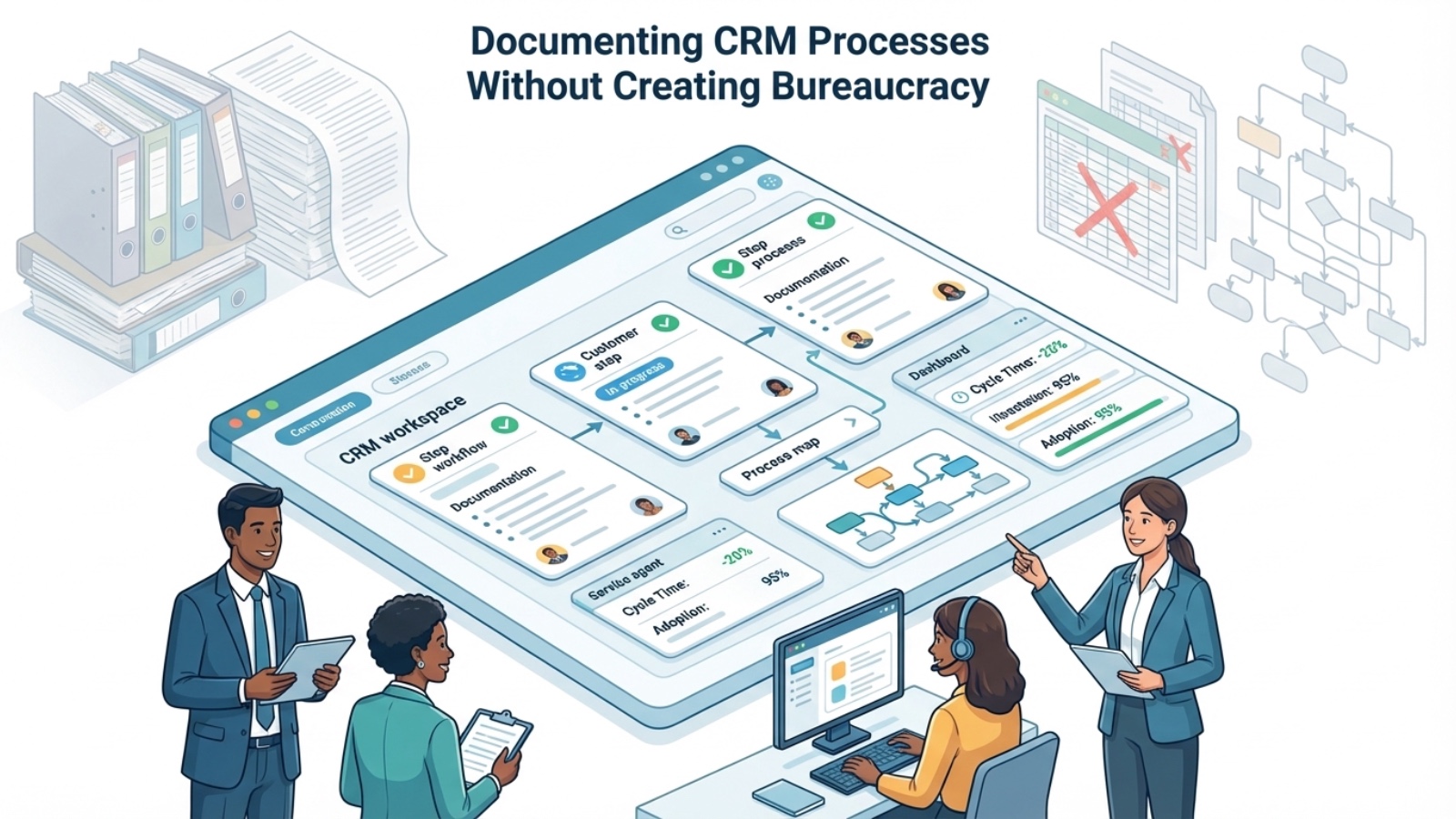
Why process documentation in CRM fails so often
The problem is rarely a lack of willingness to document. Much more often, it fails due to the format. Many teams document either too late, in too much detail, or in a format that is disconnected from daily work. This produces Word documents, PowerPoints, or wiki pages that are formally correct but don’t really help anyone when questions arise. In the worst case, documentation even creates additional effort because it has to be maintained alongside the actual process.
Another reason is the wrong expectation. CRM processes do not need to be described down to the last detail to be effective. What matters is that users know what the next step is, which fields are important, when a process transitions, and who is responsible. That is exactly why companies should not build “documentation for documentation’s sake.” Instead, they should document rules, roles, and workflows in a way that creates real orientation.
What good CRM process documentation must deliver
Process documentation in CRM is good when it achieves three things simultaneously: clarity, accountability, and practicality. It must be concise enough that employees actually use it. It must be unambiguous enough that teams do not constantly need to reinterpret it. And it must be close enough to the system that it does not become disconnected from the actual work process. This is precisely where useful standards differ from theoretical process manuals.
Practical documentation therefore does not cover everything that could be documented, but only what truly matters in daily operations. This primarily concerns handovers, status definitions, mandatory fields, responsibilities, and exceptions. That is where the most friction occurs. When these points are clearly described, the process often improves significantly. The most important rule is therefore: do not document as much as possible, but document what is right.
These elements almost always belong to a good foundation:
- Goal and purpose of the process
- Statuses or phases with clear meaning
- Mandatory fields and minimum data
- Responsibilities and handovers
- Exceptions, escalations, and review cadence
Step 1: Document only the truly critical processes first
A common mistake is trying to cast the entire CRM into rules right away. This sounds structured but almost always leads to overwhelm. It is much more effective to start with the processes that occur most frequently or cause the most errors. That is also where the greatest benefit lies. In mid-sized businesses, these are usually lead processing, opportunity management, proposal processes, service cases, and existing customer handovers. Those who create clarity here first will immediately see a noticeable improvement in daily operations.
It is important to prioritize processes not from the system’s perspective, but from the perspective of collaboration. Which workflows generate the most follow-up questions today? Where do inconsistencies arise? Where does success depend too heavily on the knowledge of individual people? That is exactly where documentation pays off first. This way, documentation does not become a major project, but a tool for better collaboration.
This sequence has proven particularly effective in projects:
- Lead and inquiry processing
- Opportunity and phase logic
- Opportunity and phase logic
- Service tickets and escalations
- Existing customer and renewal processes
Step 2: Describe processes as “work cards” instead of manuals
Employees do not need a 20-page process description in their daily work. They need orientation in a few minutes. That is exactly why compact process cards often work significantly better than traditional documents. A good process card shows at a glance: when does the process start, which steps are relevant, who is responsible, which fields are mandatory, and when is a status considered reached. In many cases, this is entirely sufficient to use a process consistently and reliably.
It is particularly important that this documentation does not remain theoretical. It should use real terms from the CRM and be built as close as possible to the actual screen layouts, status values, and roles. This significantly lowers the cognitive barrier for users. Additionally, onboarding becomes easier because new employees understand more quickly how the system is intended to work. This is exactly how acceptance is created instead of bureaucracy.
A good process card typically contains:
- Starting point of the process
- key statuses or phases
- mandatory entries in the CRM
- owner per step
- typical errors or exceptions
Step 3: Think of SugarCRM as part of the documentation
Especially in SugarCRM, there is a great opportunity to not maintain documentation alongside the system, but to link it closely with it. When status values, fields, dashboards, and workflows are cleanly defined, the system already documents part of the process logic. That is exactly why documentation should never be created in isolation from the CRM configuration. Only when both are thought of together does a reliable structure emerge. This reduces maintenance effort and makes rules visible in daily operations.
In SugarCRM, many documentation components can be integrated directly into the process. These include help texts, clear field labels, mandatory fields, status definitions, templates, dashboards, or automated tasks. This does not replace process thinking, but it anchors rules where they are needed. Users then do not have to switch to a separate document to understand what needs to be done next. That is precisely the difference between living and dead documentation.
The following are particularly helpful in SugarCRM:
- clear field and status definitions
- mandatory fields at critical transitions
- dashboards with process KPIs
- standardized templates and note fields
- workflows for reminders, handovers, and escalations
Step 4: Clarify responsibilities without building new committees
Many process problems are not tool problems, but responsibility problems. If it is not clear who maintains data, who properly completes handovers, and who regularly reviews processes, even the best documentation only helps to a limited extent. At the same time, companies do not need a large governance structure for this. In most cases, it is sufficient to designate a clear owner per process and define simple review routines. This is exactly how documentation becomes accountability.
It is important that process responsibility is not confused with administrative detail maintenance. The owner does not need to check every record. Rather, they ensure that rules remain understandable, changes are coordinated, and typical errors are made visible. This creates a manageable governance model that supports daily operations instead of paralyzing them. Especially in mid-sized businesses, this is the decisive lever: clear responsibility without an additional layer of bureaucracy.
Typical responsibilities that should be defined:
- process owner
- subject matter contact
- CRM administrator
- team lead for daily compliance
- review responsibility at regular intervals
Step 5: Review documentation regularly – but in small loops
The biggest mistake after implementation is stagnation. Processes change, roles shift, dashboards are expanded, and new requirements emerge. If documentation does not grow with them, it quickly loses credibility. At the same time, months-long revision cycles are not needed. In practice, short review loops are often sufficient, in which teams collect typical friction points and refine them in a targeted manner. This is exactly how documentation stays alive.
A good rhythm is small, regular, and binding. For example, once a month or once a quarter, depending on how critical the process is. These reviews are not about re-discussing every detail. They are about closing obvious gaps, simplifying field logic, and clarifying rules where daily operations raise questions. This way, documentation grows with the process – not past it.
These questions are particularly helpful in reviews:
- Where were there follow-up questions or misunderstandings in recent weeks?
- Which fields or statuses were used inconsistently?
- Which handovers were unclear?
- Which KPI indicates process problems?
- Which rule should be simplified or formulated more clearly?
Statistics: Where lean process documentation shows the fastest impact
| Lever through clear CRM process documentation | Typical effect after 8–12 weeks |
|---|---|
| Faster onboarding of new employees | -20 to -40% onboarding time |
| Fewer follow-up questions about status and handovers | -25 to -45% coordination effort |
| Greater consistency in data entry | +15 to +30% data quality |
| Better adherence to defined processes | significantly fewer process deviations |
Practical example: Phased introduction instead of a process manual
A mid-sized B2B company wanted to “finally document its sales and service processes properly.” The original plan was to create a comprehensive process manual for the CRM. Together, we deliberately reduced this approach and divided the project into three phases. In Phase 1, only lead processing, opportunity phases, and proposal handovers were documented – each on a compact process card. In Phase 2, service tickets and escalations were added. In Phase 3, review routines and responsibilities were established.
The effect was significantly better than with traditional documentation projects. New employees could be onboarded much faster. Follow-up questions about statuses, mandatory fields, and handovers visibly decreased. At the same time, the documentation remained lean because it was oriented toward real everyday questions rather than theoretical completeness. What mattered was not the volume of documents, but their usability.
10 building blocks for CRM process documentation without bureaucracy
| No. | Building block | Description |
|---|---|---|
| 1 | Process card instead of manual | Compact overview instead of lengthy text documents |
| 2 | Clear status definitions | Each phase has a clear business meaning |
| 3 | Mandatory fields per transition | Only make the truly necessary data mandatory |
| 4 | Roles & owners | Clearly designate responsibilities per process |
| 5 | Templates for typical workflows | Uniform structure for proposals, tickets, handovers |
| 6 | Visible exceptions | Clearly mark escalations and special cases |
| 7 | System-level documentation | Map rules as closely to SugarCRM as possible |
| 8 | Review cadence | Regular small adjustments instead of major revisions |
| 9 | KPI linkage | Connect documentation with dashboards and metrics |
| 10 | User feedback | Systematically incorporate follow-up questions from daily operations |
Checklist: Is your CRM documentation fit for daily use?
- Are the most important CRM processes documented at all?
- Are there clear status definitions for leads, opportunities, or tickets?
- Are mandatory fields only set where they are truly needed?
- Is it documented who is responsible per process?
- Do new employees understand the workflows without lengthy follow-up questions?
- Are handovers between sales, service, and management clearly described?
- Is the documentation built close enough to the system?
- Are there regular reviews instead of one-time large projects?
- Are follow-up questions from daily operations incorporated into the documentation?
- Does the documentation support decisions – or does it only create formalism?
Conclusion
Documenting CRM processes does not mean creating new bureaucracy. On the contrary: good documentation reduces friction, follow-up questions, and room for interpretation. The key is not to aim for completeness at any cost, but for clarity and usability. Those who start with the most important processes, use compact formats, and closely integrate documentation with SugarCRM create real orientation in daily operations. This is exactly how process documentation becomes not a burden, but a practical management instrument.
Your next step: Review your three most important CRM processes and reduce their documentation to what teams really need: statuses, responsibilities, mandatory fields, and handovers.