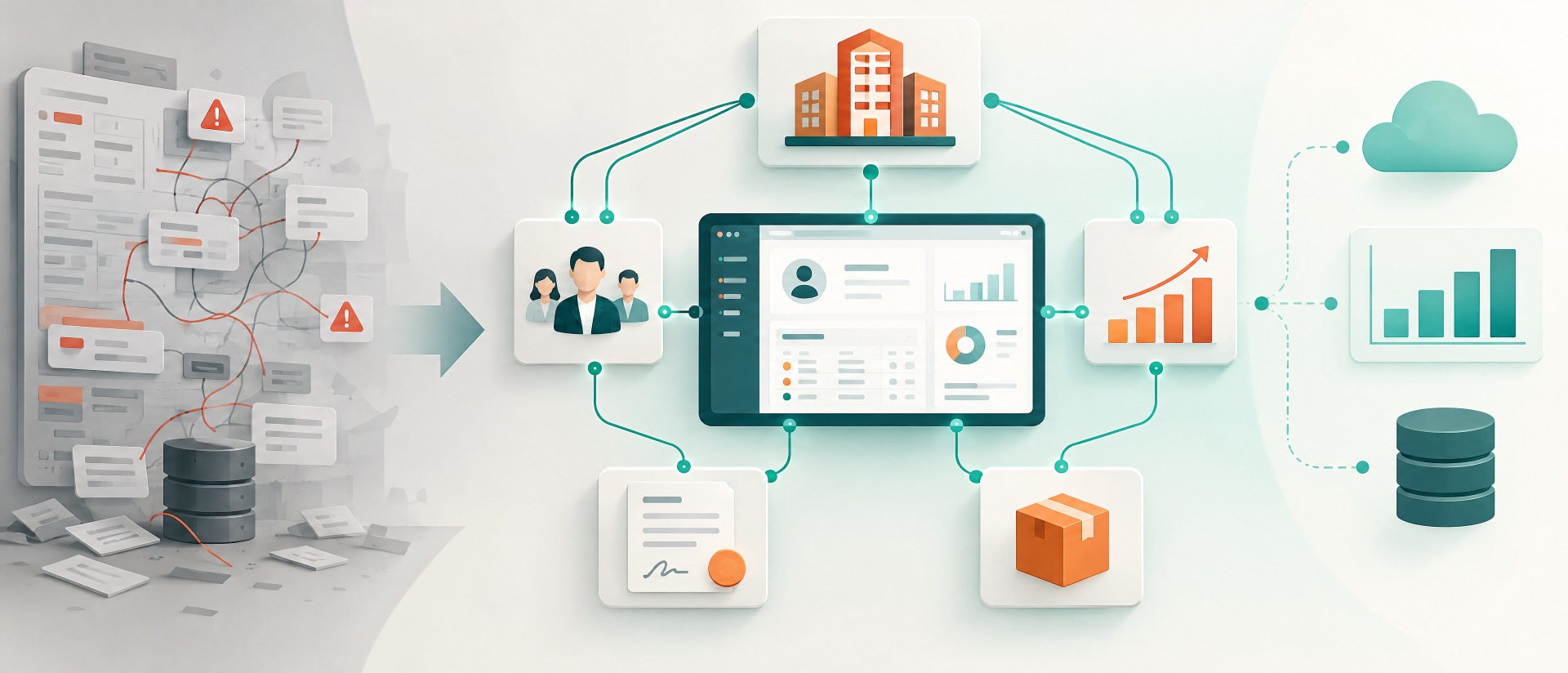
Marketing today rarely works in just one system. Campaigns are planned and sent in specialized marketing platforms, while sales, service, and customer success work in the CRM with contacts, leads, audiences, and customer history. Exactly at this system boundary, friction often arises: lists are exported, recipients transferred manually, opt-outs maintained afterward, and campaign results evaluated separately.
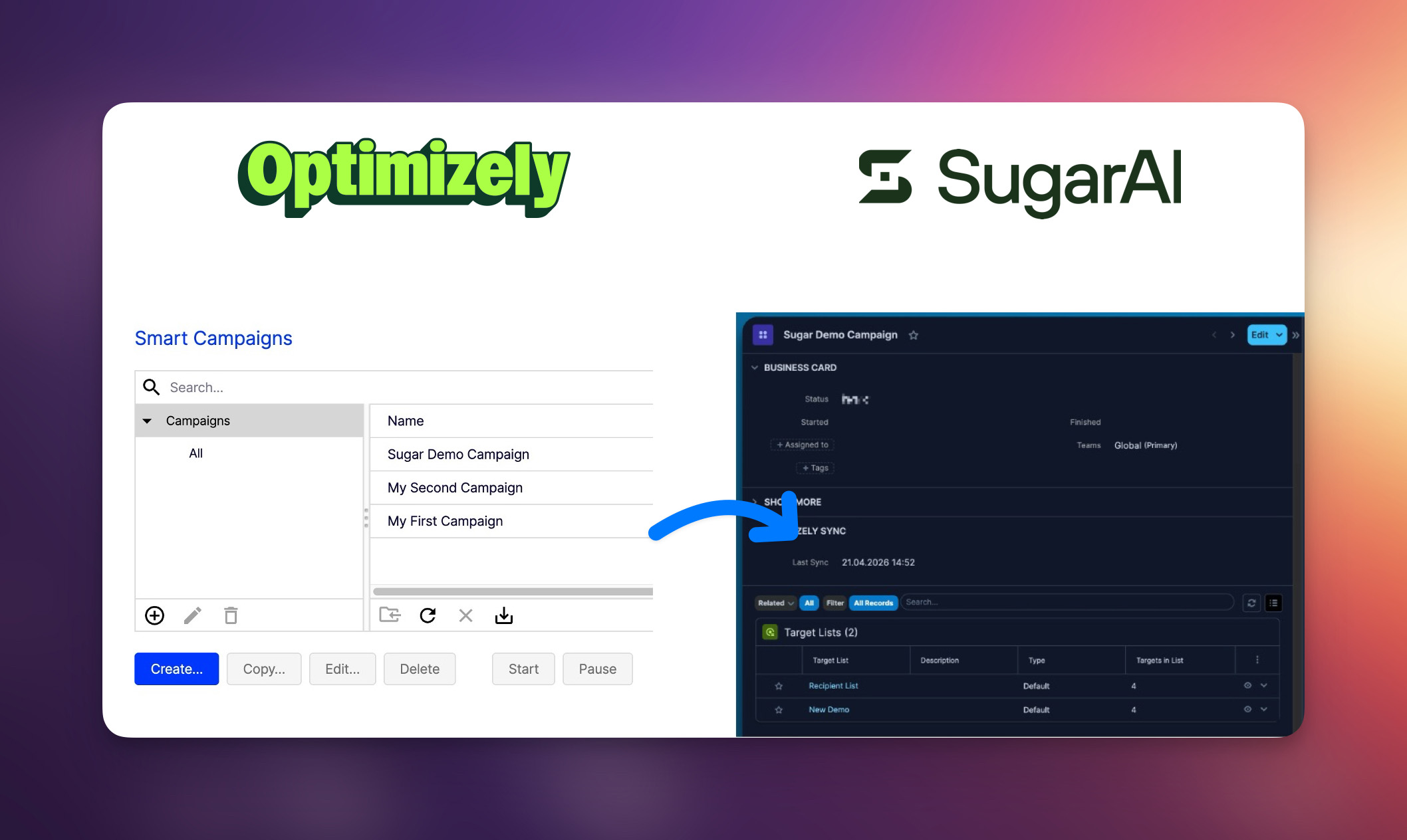
With the Optimizely Campaign Integration for Sugar, we have, together with Optimizely, implemented an integration that closes exactly this gap. The goal is not to replace Optimizely Campaign or Sugar. The goal is to connect both systems sensibly with one another: Optimizely remains strong in campaign execution, Sugar becomes the central CRM view of audiences, campaign status, recipients, and responses.
The integration is aimed at companies that use Sugar and Optimizely Campaign together and want to connect marketing processes more strongly with CRM data, audiences, and evaluations. According to the documentation, the integration synchronizes, among other things, Sugar target lists with Optimizely recipient lists, transfers contacts, leads, and targets as Optimizely recipients, imports campaigns, aggregated statistics, and mailing events into Sugar, provides opt-in processes in Sugar, and reflects opt-outs in the CRM.
Why an integration between marketing automation and CRM is so important
Marketing teams need clean audiences. Sales and customer success need transparency about which contacts received which campaigns and how they responded to them. If this information remains separate, unnecessary follow-up questions, duplicate maintenance, and uncertain evaluations arise. A campaign tool then does show opens, clicks, and bounces, but the CRM context is missing. The CRM shows contacts and audiences, but not always the current campaign history.
An integration between Optimizely Campaign and Sugar reduces these breaks. Audiences can be prepared from within Sugar and synchronized with Optimizely. Campaign information and performance metrics flow back into the CRM. This creates a better working basis for marketing, sales, and service. Marketers have to transfer less manually, CRM users see more campaign context, and evaluations become possible closer to the customer data.
Especially in the B2B environment, this is important. A campaign response is rarely only a marketing metric. It can be a signal of interest, timing, information need, or a next sales conversation. The better such information becomes visible in the CRM, the sooner teams can derive sensible follow-up actions from it.
Overview: What the Optimizely Integration for Sugar delivers
The integration connects central objects and processes from Optimizely Campaign with Sugar. This is mainly about audiences, recipients, campaigns, opt-in processes, opt-outs, campaign statistics, and mailing events. The technical basis consists of package installation, API connection, scheduler jobs, and webhook processing for certain events.
In everyday work, this means: Sugar users continue to work with familiar CRM structures such as target lists, contacts, leads, and targets. Optimizely Campaign remains the system for campaigns and recipient lists. The integration ensures that the relevant information is synchronized between both systems.
The documentation describes, among others, the following core functions:
| Area | Function | Everyday benefit |
|---|---|---|
| Audiences | Sugar target lists are synchronized with Optimizely recipient lists | Marketers can more easily use CRM audiences for campaigns |
| Recipients | Contacts, leads, and targets are transferred as Optimizely recipients | Fewer manual exports and imports |
| Campaigns | Campaigns from Optimizely are imported into Sugar | Campaign status and CRM context are brought together |
| Statistics | Opens, clicks, bounces, and unsubscribes become visible in Sugar | Better evaluation directly in the CRM |
| Mailing events | Events such as opens, clicks, bounces, and unsubscribes are delivered via webhook | Responses become visible closer to the contact context |
| Opt-in processes | Opt-in processes from Optimizely are provided on Sugar target lists | Legal and operational campaign logic becomes more manageable |
| Opt-outs | Unsubscribes are reflected in Sugar | CRM and campaign system remain more consistent |
Synchronization: Which data flows in which direction
A good integration must not only transfer data. It must clearly define which system is the leading one for which information. This is exactly what is decisive for CRM and marketing data, because otherwise contradictory records quickly arise.
In the documentation, Sugar is described as the master system for contact information. Changes to fields synchronized by default on contacts, leads, and targets are transferred to Optimizely. Changes from Optimizely are likewise synchronized to Sugar, whereby the email field cannot be changed. Sugar-to-Optimizely calls are placed in a queue and processed via the “Optimizely Sync” scheduler; failed requests remain in the queue and are retried on the next run.
The direction matrix shows that lists, recipients, campaign names, opt-ins, opt-outs, campaign status, statistics, and mailing events are handled differently depending on the object and direction. Campaign statistics such as opens, clicks, and bounces are transferred from Optimizely to Sugar. Mailing events are delivered to Sugar via webhooks in near real time.
This is especially helpful for marketers, because not all information has to be handled the same way. Master data, list logic, and campaign responses have different recency requirements. A scheduled list update can run via the scheduler. A mailing event such as a click or bounce, by contrast, is considerably more valuable when it becomes visible in the CRM promptly.
Target lists and recipient lists: connect audiences cleanly
In Sugar, many teams work with target lists. In Optimizely Campaign, the corresponding structures are called recipient lists. The integration maps these terms onto one another: recipient lists in Optimizely correspond to target lists in Sugar, recipients correspond to contacts, leads, or targets, opt-in processes become available as a field on the target list, and campaigns from Optimizely appear as Optimizely campaigns in Sugar.
For practice, this mapping is important. It prevents misunderstandings between marketing, CRM administration, and support. Marketers can work with audiences in Sugar without having to translate the Optimizely terminology every time. At the same time, the logic of Optimizely Campaign is preserved.
A typical flow looks like this: an audience is maintained in Sugar, contacts, leads, or targets are linked, and the integration transfers these people as recipients to Optimizely. Conversely, new recipients from Optimizely can be created as targets in Sugar. This allows campaign lists to be better connected with the CRM data set.
Opt-in and opt-out: make campaign logic visible in the CRM
With campaigns, it is not only who is contacted that counts. It is also important under which conditions a recipient may be contacted and what happens upon unsubscribe. The integration synchronizes opt-in processes from Optimizely to Sugar and provides them on the target list as a selection field. The chosen opt-in process controls the behavior for new recipients; a change on an existing list does not, according to the documentation, apply retroactively to recipients already added.
Opt-outs are also mapped. When a recipient unsubscribes from a campaign in Optimizely, this unsubscribe is related in Sugar to the target list used. The recipient is moved into the corresponding opted-out subpanels. Important here: the opt-out is list-specific and not automatically global. If a recipient is included in other target lists, these are not automatically affected.
This is an important point for operational work. Marketing teams must understand whether an unsubscribe should apply to a specific list or to all campaigns. The integration creates transparency in the CRM but does not replace the functional definition of one’s own opt-in and opt-out strategy.
Campaigns and reporting: evaluate results where the customer context is
A major added value lies in feeding campaign data back into Sugar. The Optimizely Campaign module in Sugar stores campaign data synchronized from Optimizely. Each campaign record shows, among other things, campaign status, sync timestamp, and an email statistics panel with aggregated performance metrics. These include recipients total and net, opens total and unique, clicks total and unique, hard bounces, soft bounces, and unsubscribes. The statistics are read-only in Sugar and are updated with each scheduled sync.
In addition, the campaign structure is mirrored. An Optimizely campaign can contain several mailings. In Sugar, this structure is mapped via related modules: campaign → mailings → mailing events. Events include opens, clicks, bounces, and unsubscribes. This allows users to drill from the campaign overview down to the mailing and event level.
For marketers, this means: they do not have to consider campaign results in isolation. The data is brought closer to audiences, contacts, leads, and CRM activities. This makes evaluating campaigns easier and creates better handovers to sales or customer success.
Benefits for marketing teams
Marketing benefits above all from less manual work, better data consistency, and a more direct connection between campaign execution and CRM evaluation. Instead of regularly exporting audiences from Sugar and maintaining them in Optimizely, the integration can synchronize relevant lists and recipients automatically. This reduces the risk of recipient lists drifting apart or unsubscribes not being reflected cleanly.
At the same time, evaluability improves. Opens, clicks, bounces, and unsubscribes are considered not only in the campaign system, but can become visible in Sugar in the context of campaigns, target lists, and CRM data. This makes campaign management more practical. Marketers see not only how a campaign performed, but can better connect the results with audiences and CRM processes.
Typical benefits are:
- less manual list maintenance between CRM and campaign tool
- more consistent audiences through synchronization of target lists and recipient lists
- better visibility of campaign status and performance in the CRM
- faster evaluation of opens, clicks, bounces, and unsubscribes
- clearer collaboration between marketing, sales, and customer success
- better traceability across campaigns, mailings, and events
- fewer media breaks in opt-in and opt-out processes
Benefits for sales and customer success
Even though the integration primarily supports marketing processes, sales and customer success benefit as well. Campaign responses are valuable signals. A click on product information, a repeated open, or a bounce can provide indications of interest, data quality, or a need for action.
When this information becomes visible in the CRM, teams can go into conversations better prepared. Sales sees more readily which contacts responded to campaigns. Customer success can place campaign information into the customer communication. Support and CRM administrators additionally gain better options for error analysis, because logs, queue, and manual sync actions are part of the support concept. The documentation explicitly names administrators, marketing users, and support staff as target groups of the integration.
The decisive point is: marketing data is no longer viewed only as reporting figures. It becomes part of the customer history and thus more usable operationally.
What companies should pay attention to during rollout
An integration is successful when it not only works technically, but fits into everyday work. Therefore, before the rollout, companies should clarify which audiences are maintained in Sugar, which opt-in processes are used, which teams should see campaign data, and how unsubscribes are handled.
The responsibility for list quality should also be clear. When marketing uses a target list, it must be defined who adds, removes, or cleans up recipients. When a bounce or opt-out comes back, it should be clear whether and how a CRM action arises from it. The integration provides the technical basis for this. The functional process must nevertheless be deliberately designed.
Recommended questions before the start:
- Which Sugar target lists should be synchronized with Optimizely?
- Who may see Optimizely campaigns and opt-in processes in Sugar?
- Which contacts, leads, and targets should be transferred as recipients?
- How are opt-outs assessed functionally: list-specific or global?
- Which campaign metrics should be used in CRM reporting?
- Who checks sync errors, queue entries, and webhook problems?
- How are sales and customer success informed about relevant campaign responses?
Practical example: From manual export to CRM-close campaign evaluation
A marketing team plans a campaign for existing customers and relevant leads. Without integration, audiences are exported from Sugar, imported into Optimizely, processed there, and later evaluated via separate reports. Every change to recipients, lists, or opt-outs must be reconciled manually. This costs time and increases the risk of errors.
With the Optimizely Integration for Sugar, the team can prepare the audience in the CRM. The associated target list is synchronized with Optimizely. Contacts, leads, and targets are transferred as recipients. The campaign is created in Optimizely and then imported into Sugar. Status, sync times, and associated target lists become visible in the CRM. Opens, clicks, bounces, and unsubscribes flow back as statistics or events.
The result is not a completely new marketing process, but a significantly better connected process. Marketers continue to work with Optimizely Campaign. CRM teams stay in Sugar. The integration ensures that audiences, campaign status, and responses no longer have to be considered in isolation.
Conclusion: More transparency between campaign and customer relationship
The Optimizely Integration for Sugar is not another reporting tool. It is a bridge between campaign execution and CRM context. This is exactly where the benefit lies: marketing can synchronize audiences more efficiently, make campaign information visible in Sugar, and evaluate results closer to customer, lead, and target data.
For companies that use Sugar and Optimizely Campaign together, the integration reduces manual work, improves data consistency, and creates more transparency about campaign responses. It becomes especially valuable where marketing, sales, and customer success are meant to collaborate more closely.
CTA: The Optimizely Integration for Sugar is available in the SugarAI Marketplace:
To the marketplace entry